Much to my delight today I stumbled upon this little bug in SharePoint Central Admin whilst trying to add a service account.
Specified value is not supported for the {0} parameter
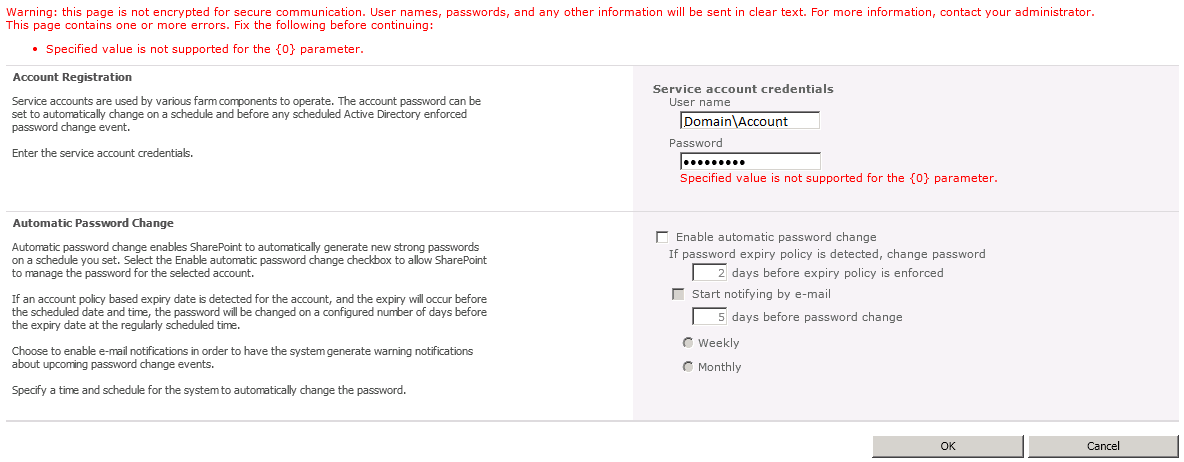
This seems to be a bug with Central Admin, Its time for a SharePoint PowerShell work around.
First of all we want to create a veritable with the user credentials. The following will open up a login box, the details you enter will then be saved.
$cred = Get-Credential
Then apply these credentials to the “Add managed account” cmdlet
New-SPManagedAccount -Credential $cred
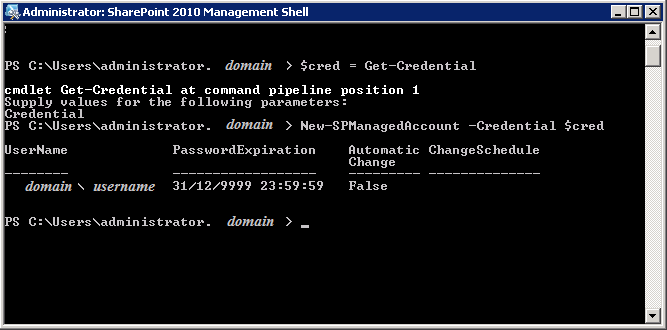
This will then add the managed account and give you a confirmation


Leave a Reply